PUBG Mobile
14 controls on foot · 7 in a vehicle
Move, look, fire, ADS, peek, prone, heal quickslot, weapon slots, map
Aimllama runs on your Android phone. Pair a Bluetooth keyboard, mouse or controller, tap Launch, and your keys become touches on the real game. Or mirror the phone to a Windows PC and play PUBG Mobile, Call of Duty: Mobile and any other mobile game on the big screen — without an emulator.
Android and Windows · no root, no emulator, no account
Your real phone, your real account, the real game. Nothing is cloned or virtualised — key presses are turned into touches on the device.
On foot, in a vehicle, flying — three key maps per game, numbered 1, 2, 3 and switched mid-match. Templates seed the controls; you drag them onto the game’s own buttons.
Scan the QR from the Windows app. The PC mirrors the game to your monitor with sound, and drives the lowest-latency control path for your keyboard and mouse.
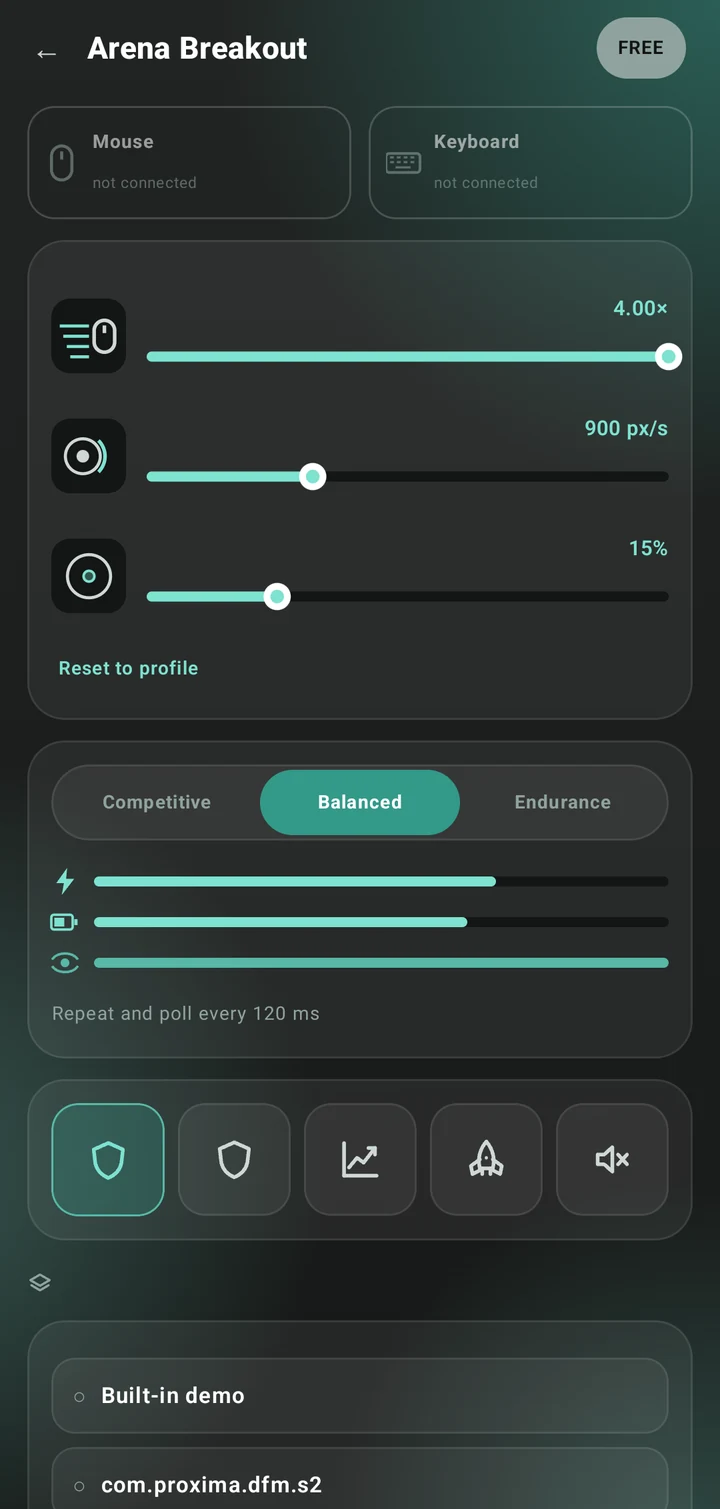
The phone app, and the Windows app beside it — the same screens the store listing shows.
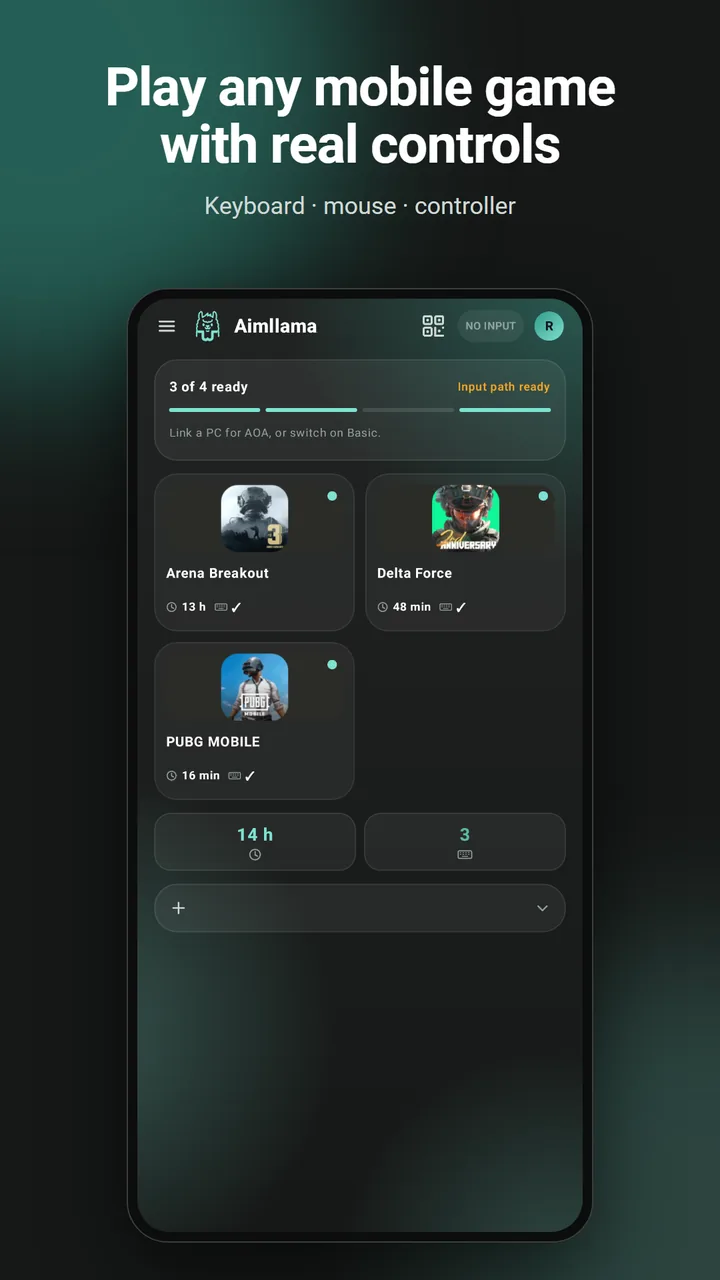
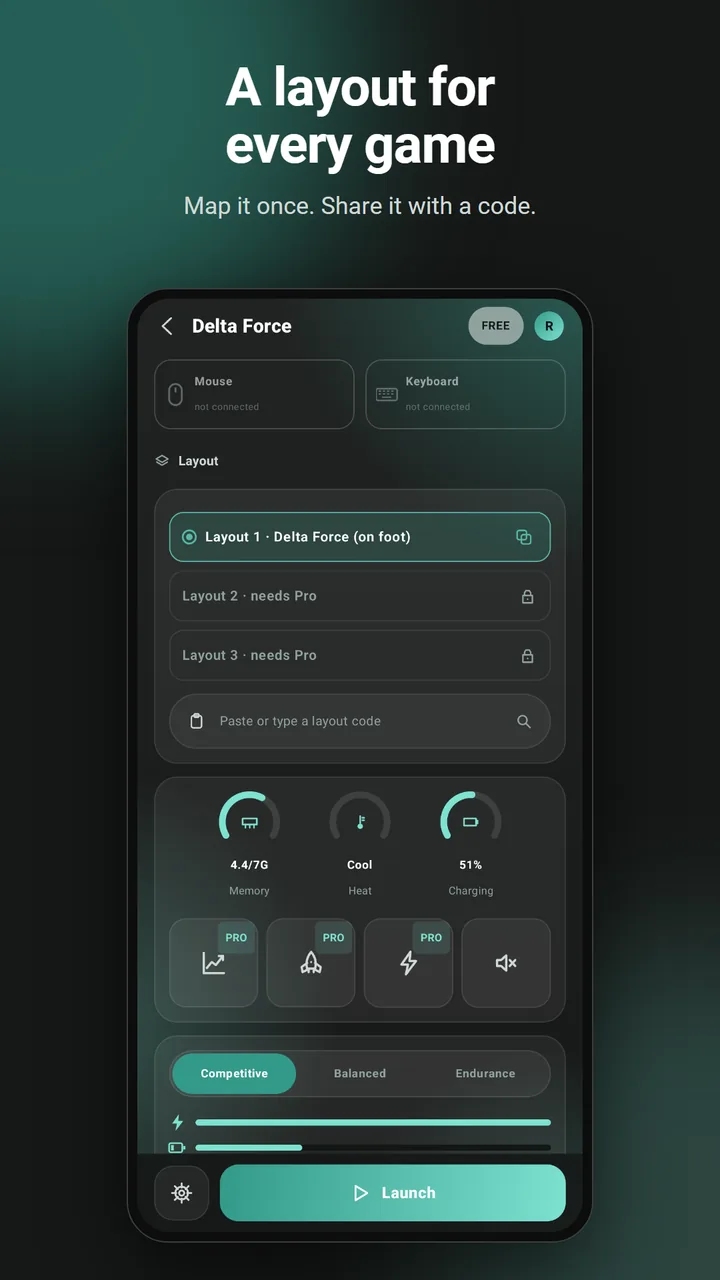
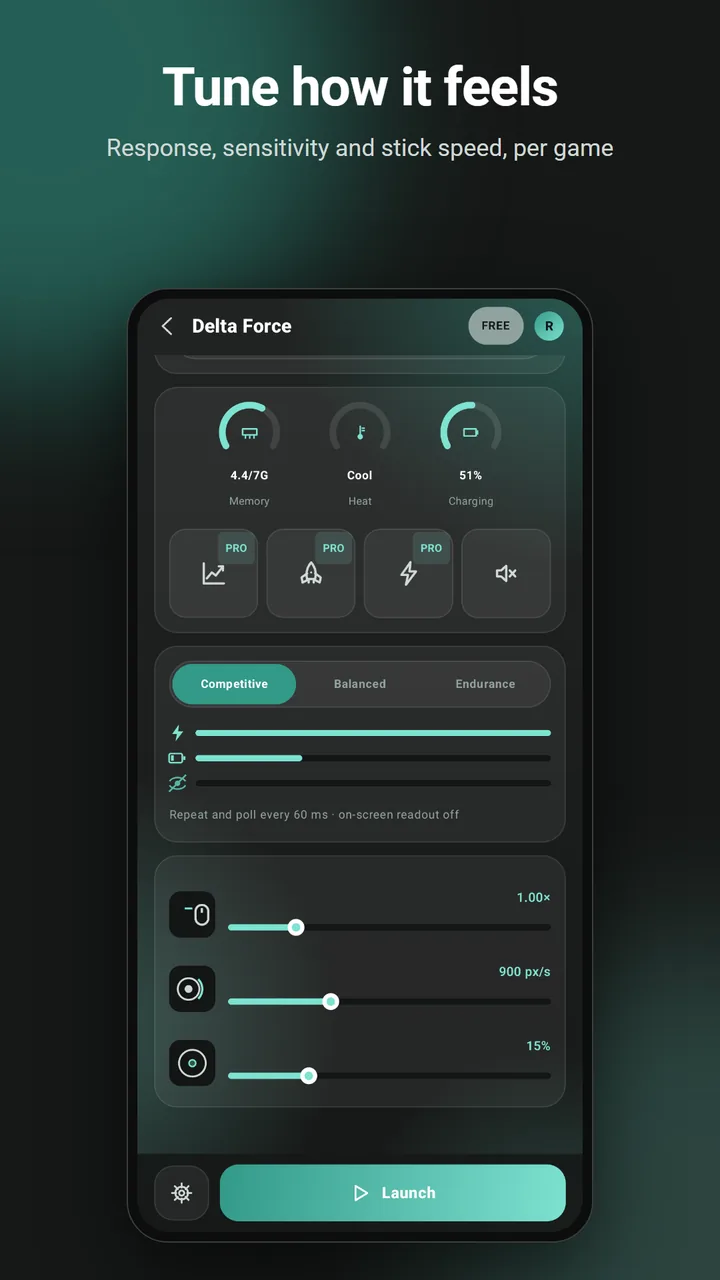
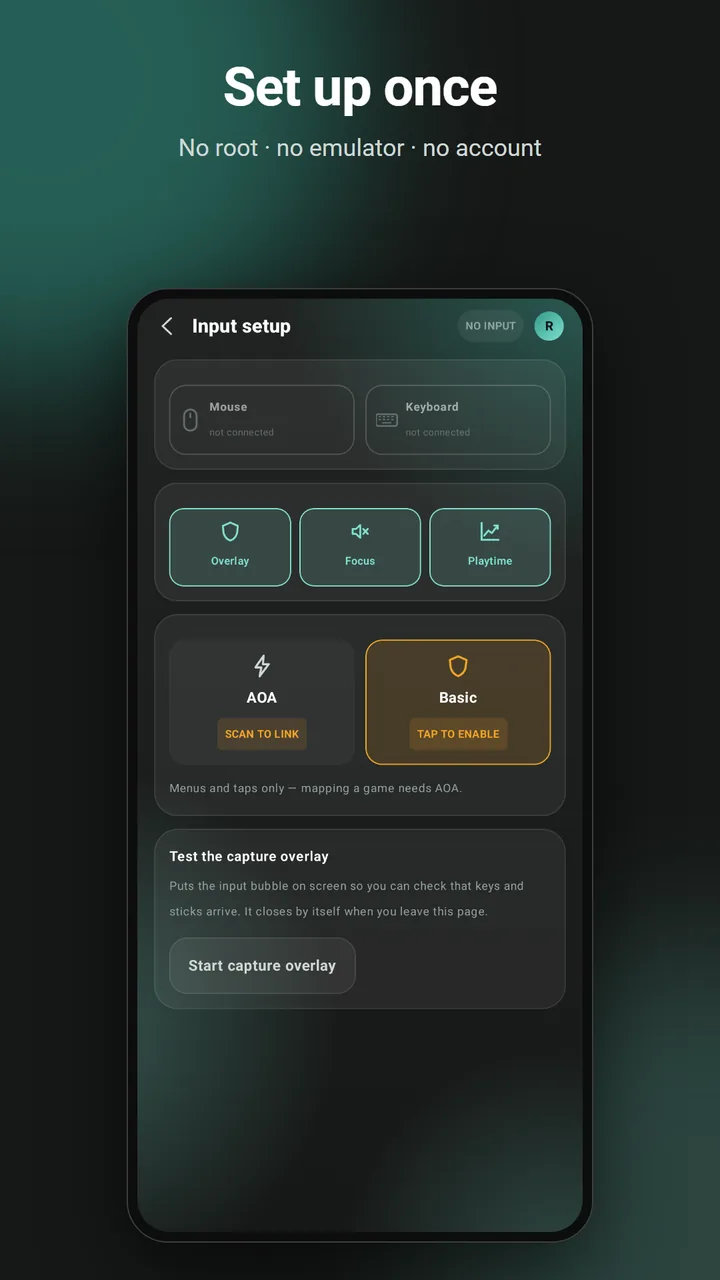
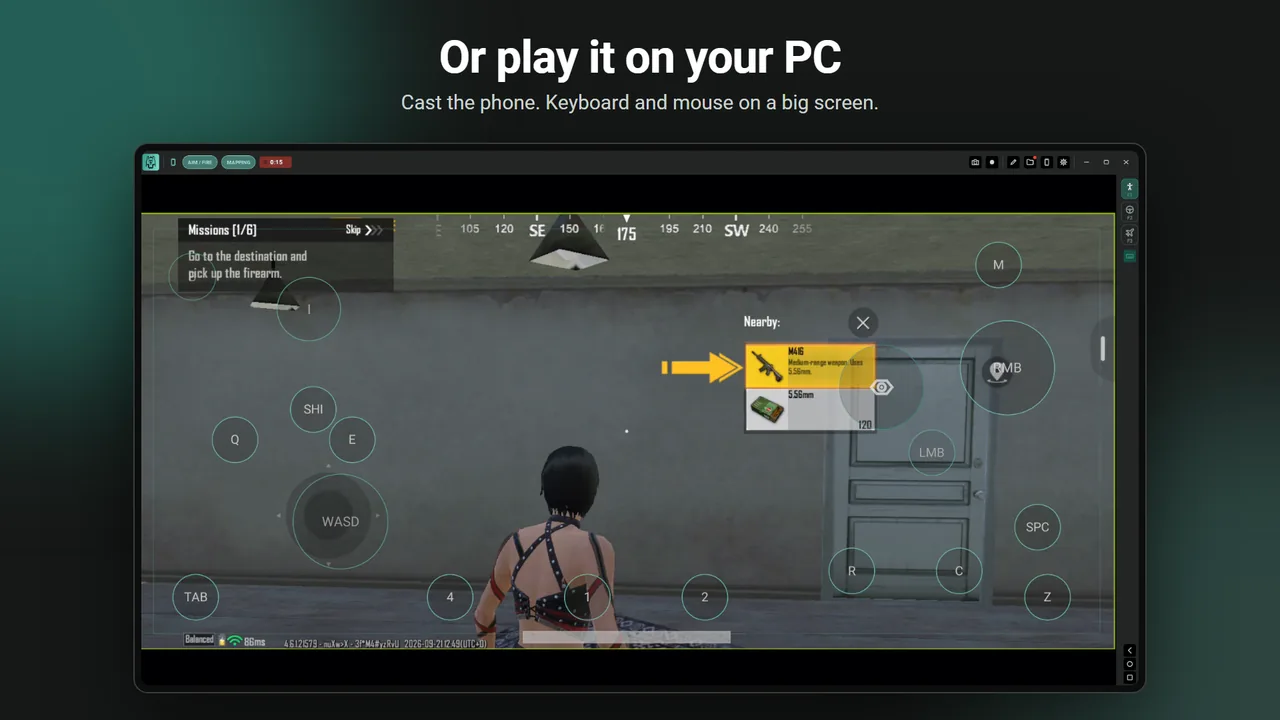
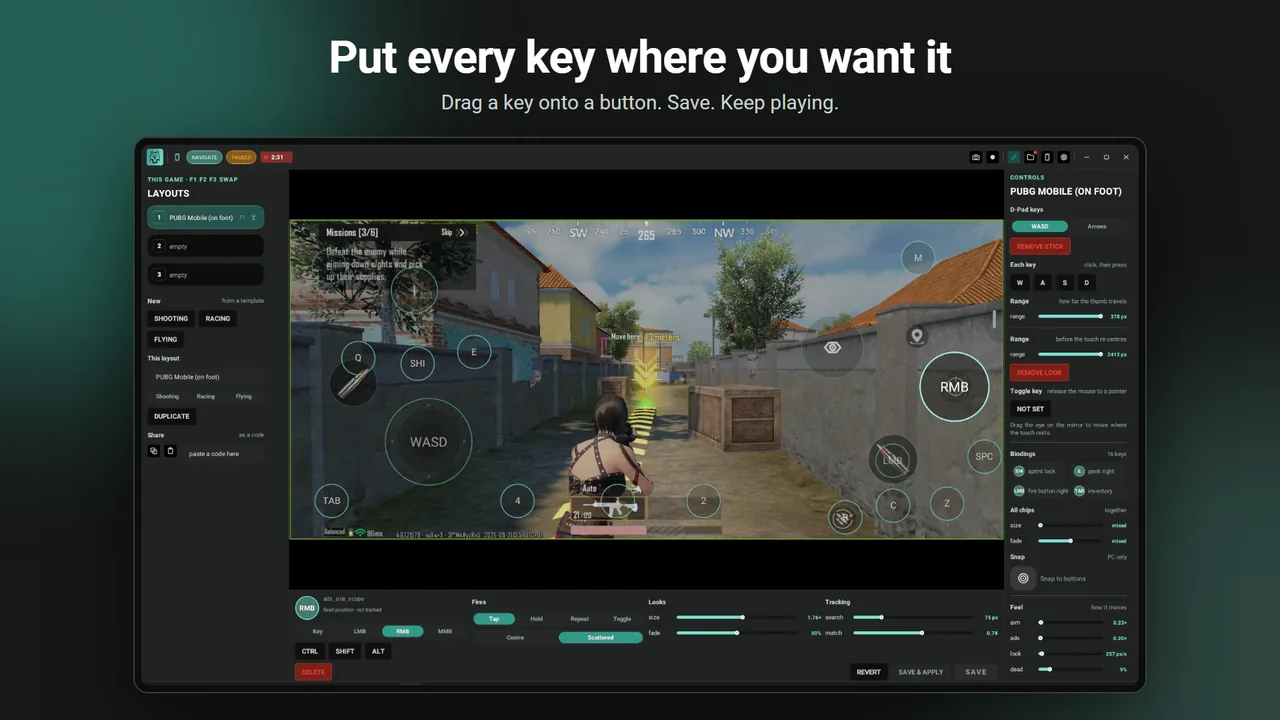
Launch one of these and Aimllama fills in a full button map on the first run — one for on foot, one for vehicles. The positions are stock-HUD starting points: drag anything that does not line up with your own HUD, save, and the layout is yours.
14 controls on foot · 7 in a vehicle
Move, look, fire, ADS, peek, prone, heal quickslot, weapon slots, map
12 controls on foot · 6 in a vehicle
Move, look, fire, ADS, slide, lethal and tactical grenades, operator skill
18 controls on foot · 5 in a vehicle
Move, look, fire, ADS, lean, interact, throwable, firing mode, raid backpack (frees the mouse), quick medicine, weapon rig, pistol, map
13 controls on foot · 4 in a vehicle
Move, look, fire, ADS, lean, operator skill, tactical map
Any other game works the same way — start from a blank layout, or an on-foot, driving or flying template, and place the controls yourself. All games. Check your game’s own terms before you play; see our terms of use.
No. The game runs on your own phone, on your own account, exactly as it always has. Aimllama turns your key presses into touches on that phone — nothing is cloned or virtualised.
No root. On its own the app uses Android’s accessibility or Wireless-debugging paths; linked to the PC it uses the cable or Wi-Fi debugging bridge. All standard Android, all reversible.
No — the phone works standalone with a Bluetooth or USB-OTG keyboard, mouse or controller. The PC link is the optional upgrade: lowest latency plus a big-screen mirror with game audio.
Yes. Install the Aimllama Windows app, link your phone once, and the game is mirrored to your monitor while your keyboard and mouse drive it. The game stays on your phone, on your account — nothing runs inside a second Android. Both games ship with a starting key map.
Both. USB is the steadiest picture and the lowest latency; Wi-Fi works on the same network and has its own bitrate setting so the stream fits the link.
Yes. The phone app, the Windows app, the mirror, the editor and every bundled key map are free. Pro adds extra layouts per game and PC extras such as recording and the sharper picture.
Android 11 or newer, and an input device. For the PC link: Windows 10/11, with the phone on the same Wi-Fi or a USB cable.
That is each game publisher’s rule, and it is yours to check before ranked play — our terms say so plainly. What Aimllama guarantees is what it does not do: it never reads the game for targets or moves your aim, so nothing it sends is anything but your own key press as a touch.
No, it is the other way round: your PC’s keyboard and mouse control a game on your phone, or the phone maps its own Bluetooth keyboard with no PC at all. For driving a PC from a phone you want a remote-desktop tool; this page says which.
Never. Aimllama maps your inputs to touches and can switch layouts when the screen changes — it does not detect targets or move your aim. That line does not move.
The Windows app is optional: open this page on your PC to get it.
Download Aimllama 0.1.34 for Windows (.exe)
The direct download is not code-signed yet, so SmartScreen shows Windows protected your PC the first time you run it. That screen has no publisher name because we have not bought a signing certificate; the file is the same one the updater checks by hash.
You only see this once per version. The Store copy never shows it.
Android: install the Aimllama app, then scan the QR the Windows app shows to link them.